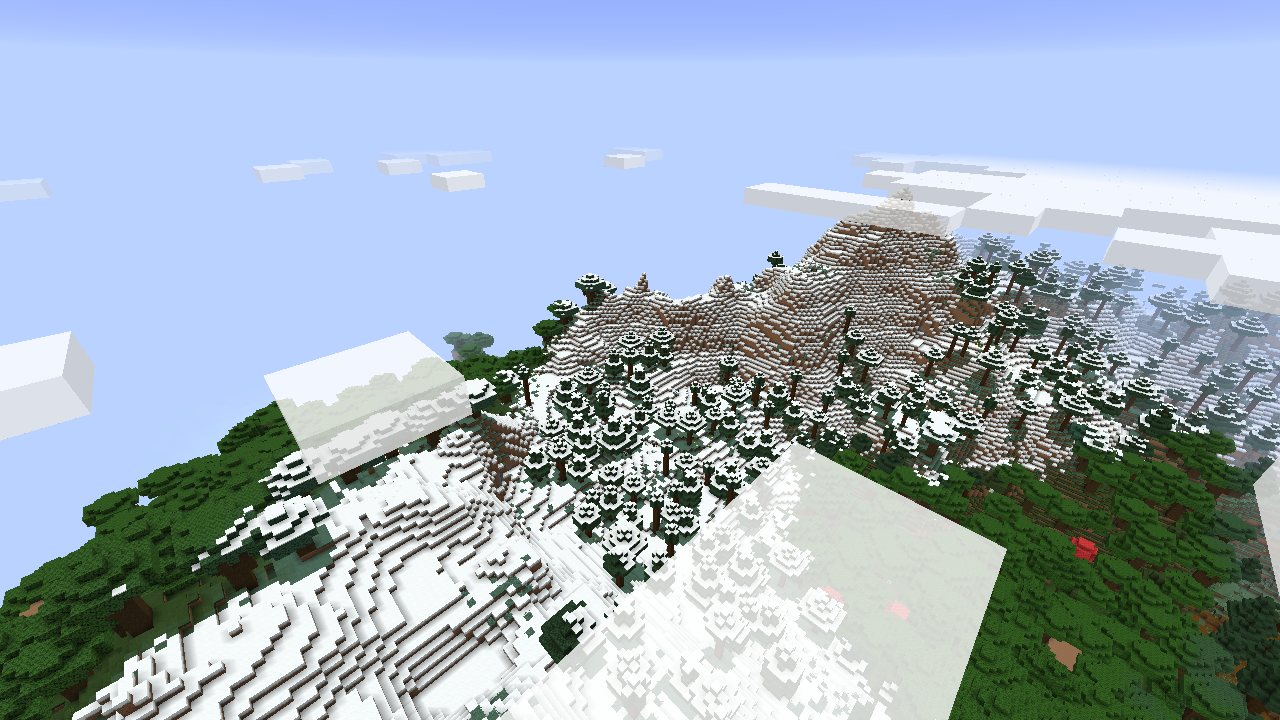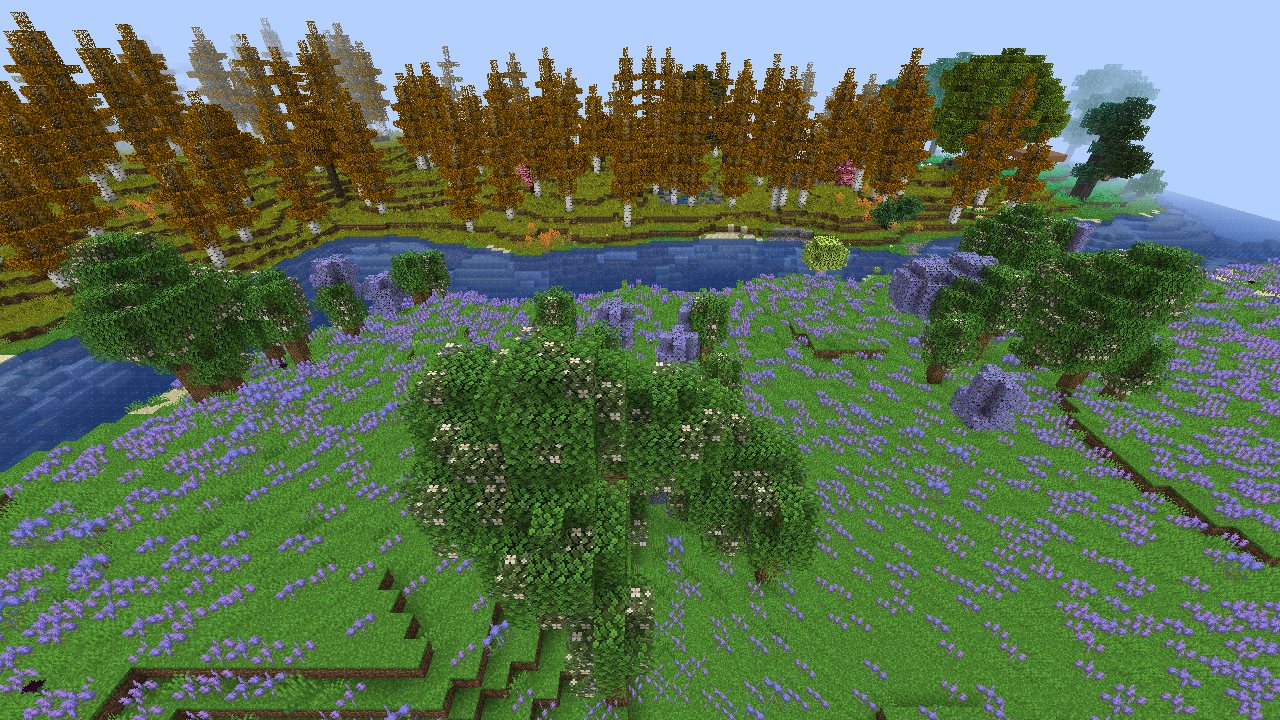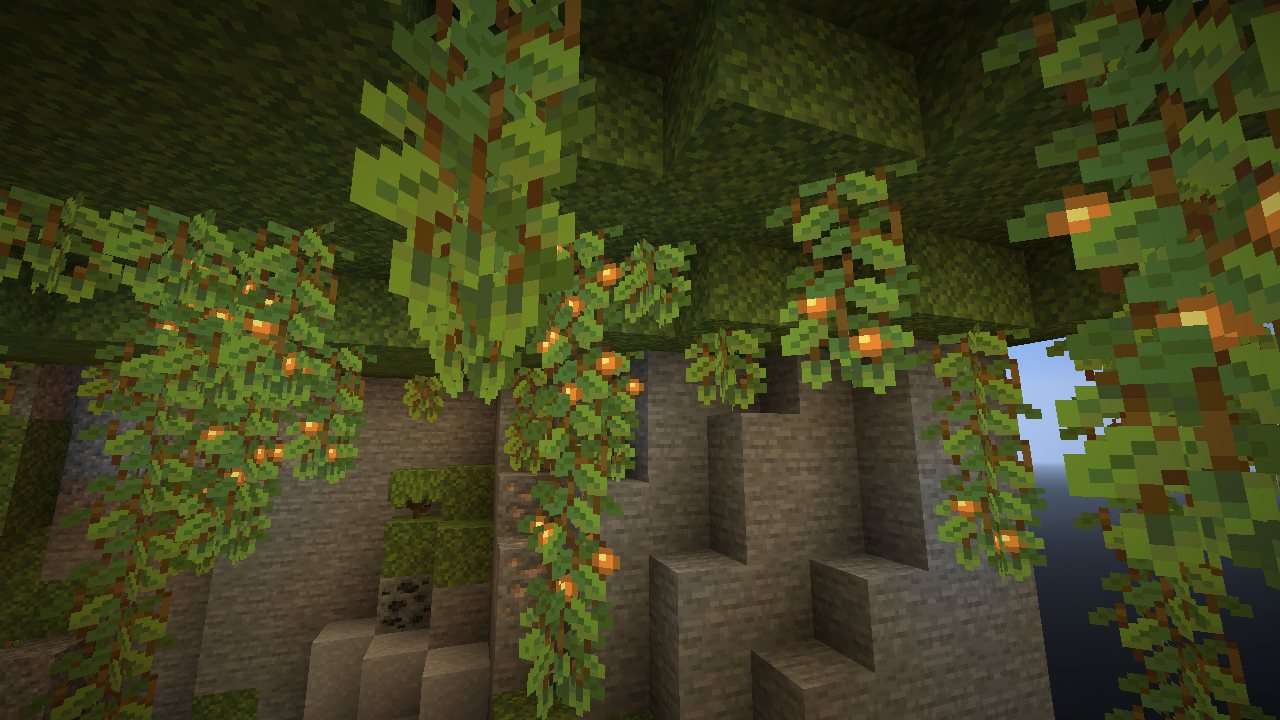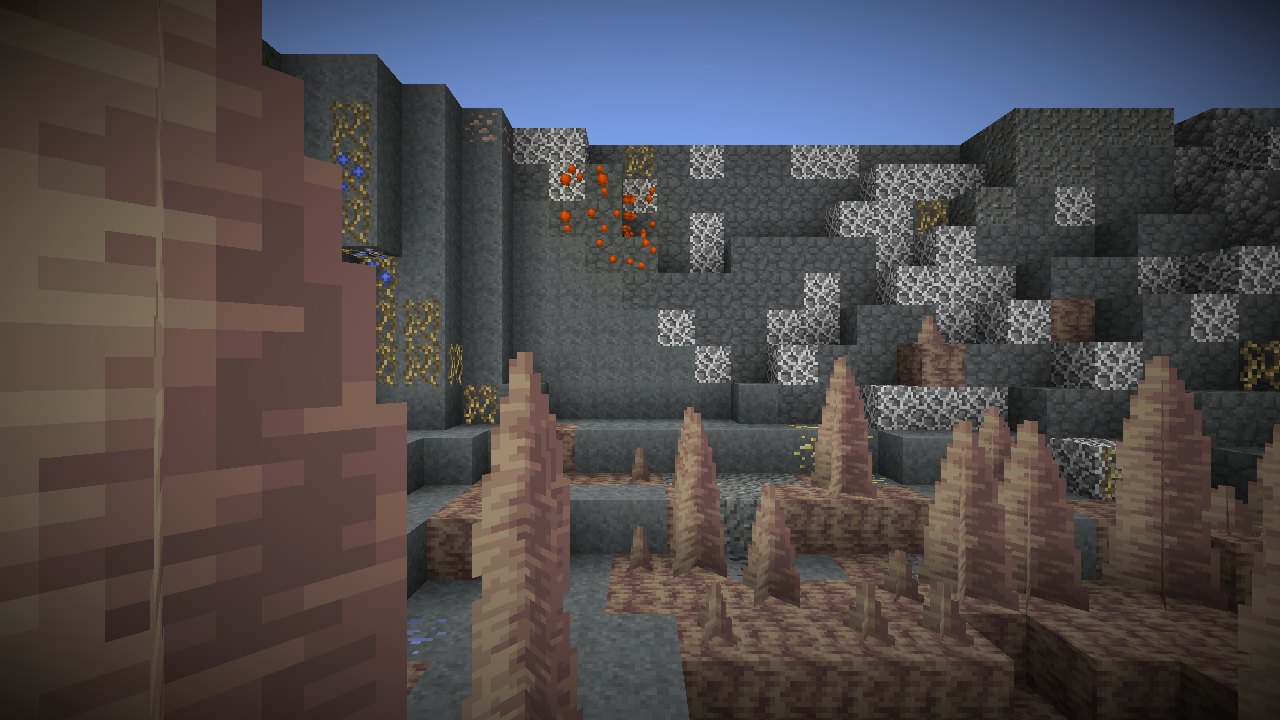
Better 1.12.2 is one Forge mod for Minecraft 1.12.2. It adds the convenience, the appearance and the frame rate of modern Minecraft and modern modpacks to 1.12.2. Most large expert packs still use that version. The mod was made for Divine Journey 2, but it also works in other 1.12.2 packs. Each connection to another mod stops when that mod is not installed.
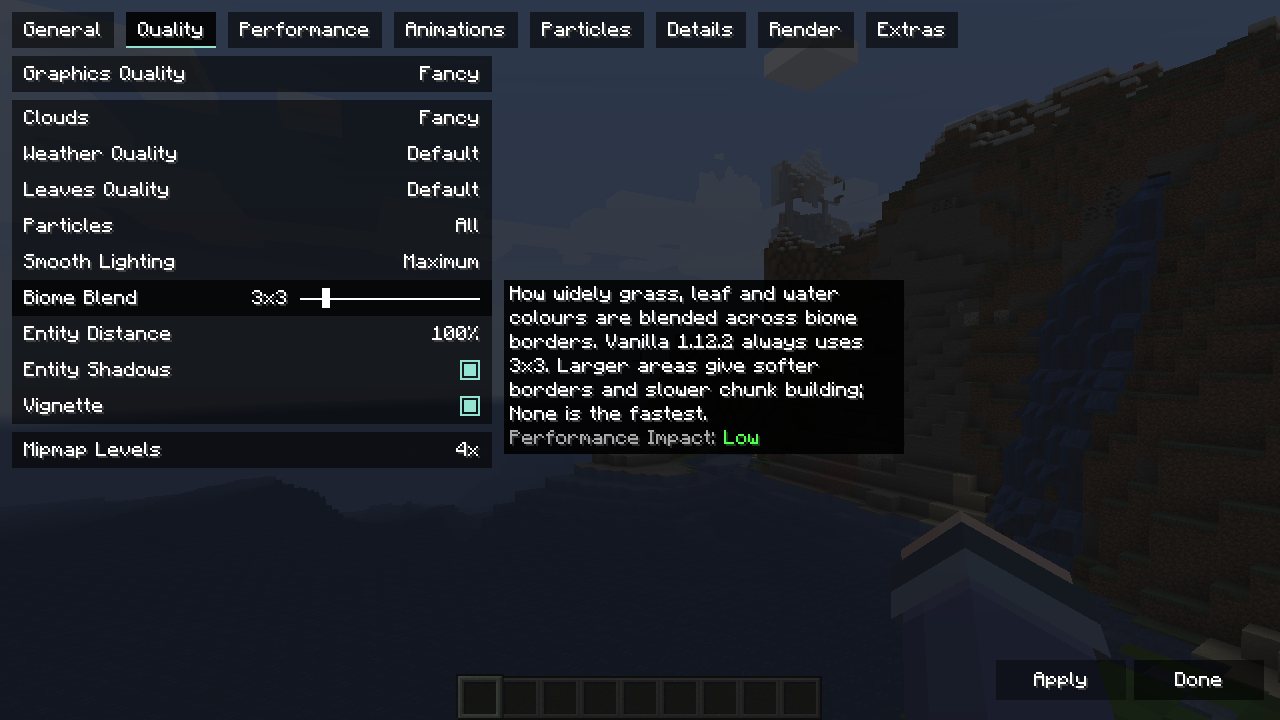
Download better112-0.1.4.jar and put it in the mods folder of the game. The mod needs Forge 14.23.5.2860 or later. The Video Settings screen shows the settings for each feature.
The mod works in single player and on servers. A player with the mod can join any server. A server with the mod has the new blocks, the new biomes, Modern Terrain and the /locatebiome command. Each player on that server must have the same version of the mod and the same two modern jars as the server. The documentation gives the steps for a server.
To join a server with the mod, install the mod. Then do these steps:
- Make a
better112/modern_modsfolder in the game folder, next to themodsfolder. - Put the same Minecraft client jar as the server in this folder. The tested version is the Minecraft 1.21.10 client jar.
- Put the same Biomes O’ Plenty jar as the server in this folder. The tested version is BiomesOPlenty-forge-1.20.1-19.0.0.96.jar.
- If the game used the mod with a different Minecraft version before, delete
better112/modern_worldgen.zip. - Start the game. Join the server from Multiplayer on the title screen.
The jar contains no textures or data from Mojang or from other mods. The mod reads modern textures, blocks and terrain data from files that are already on the computer. These files are modern versions of Minecraft or of the mods, for example in another launcher instance. The mod converts them when the game starts.
- Settings and frame rate. A video settings screen in the style of Sodium. Entity culling, smart leaves and dynamic lights. A frame cap in the background and after five minutes without input.
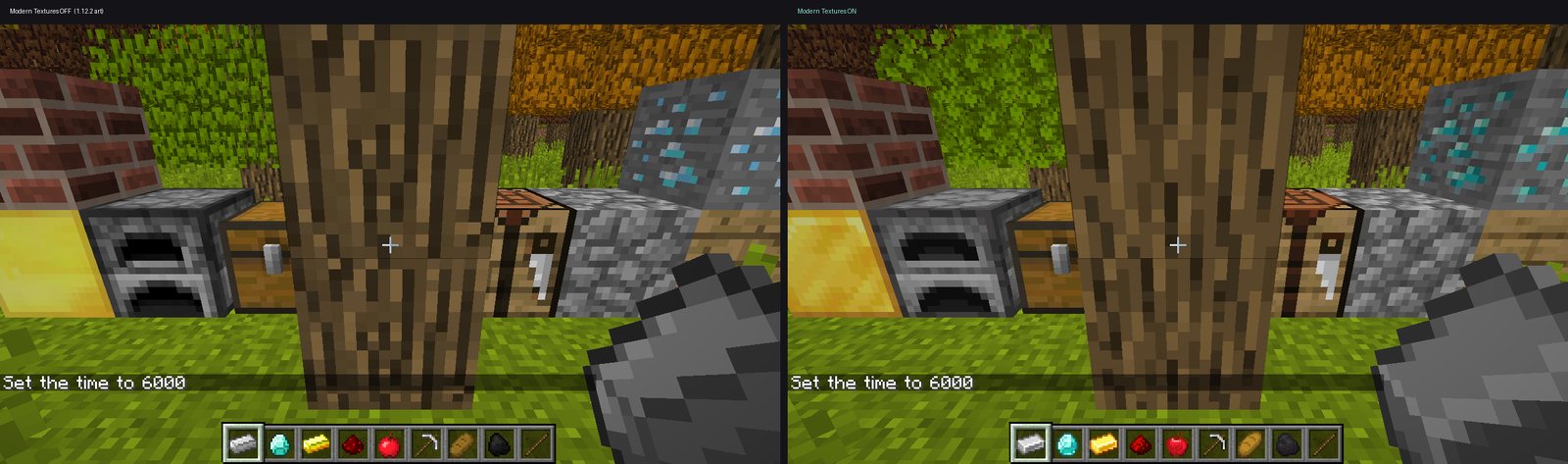
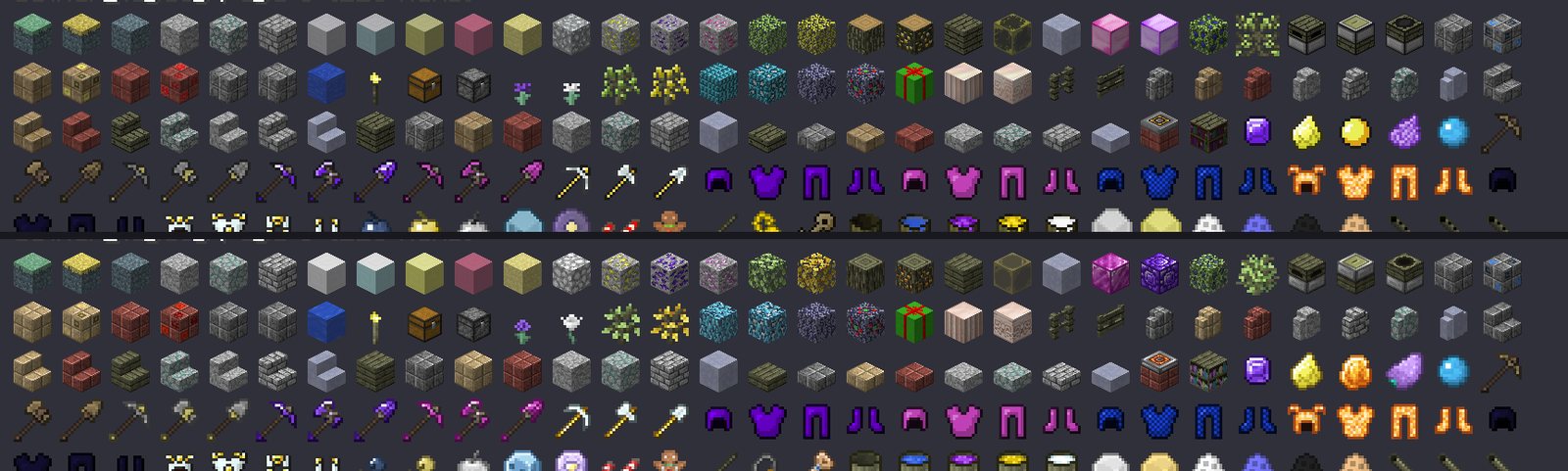
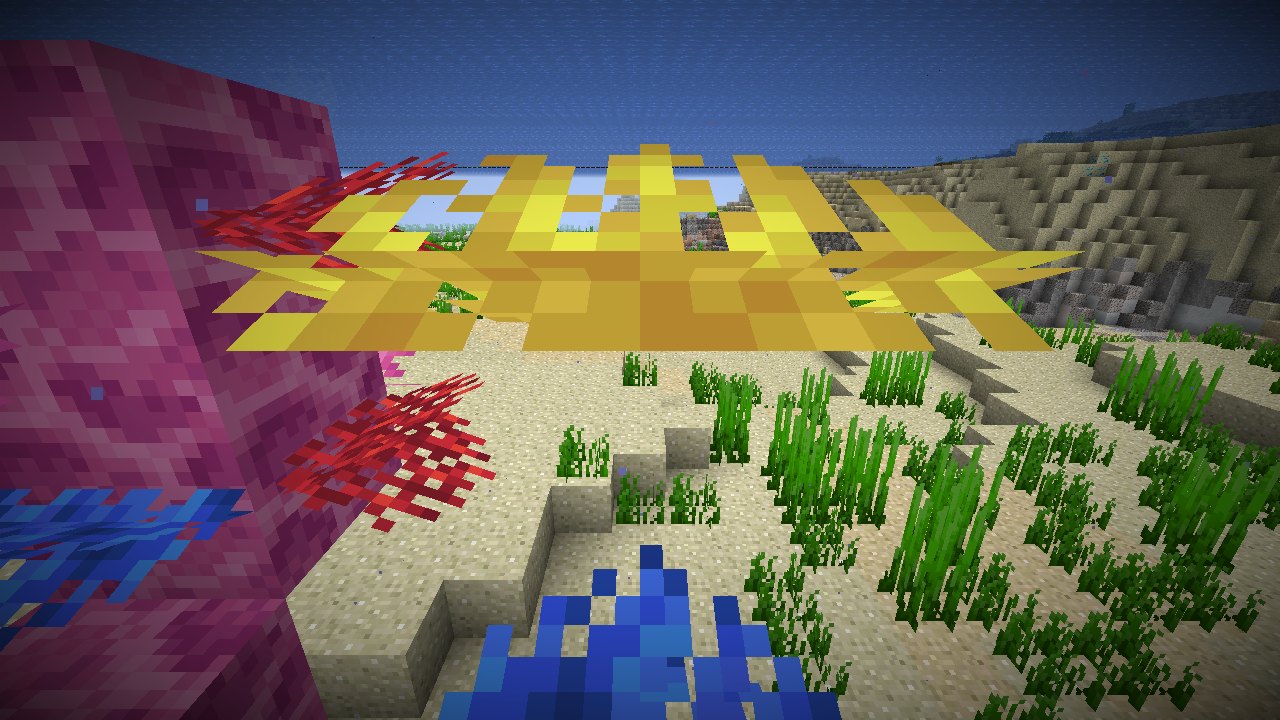
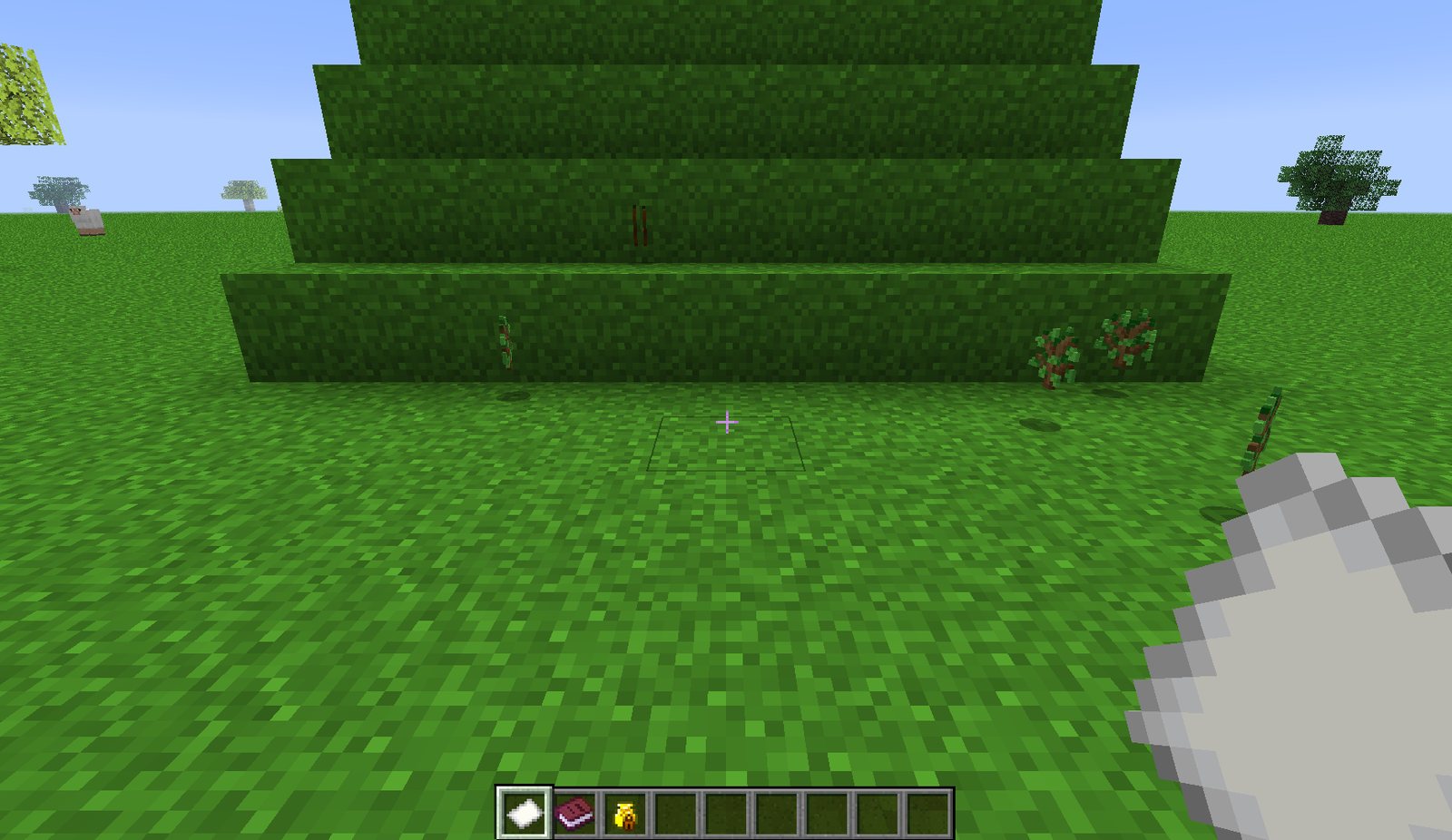
- Textures. The textures of Minecraft 1.21. About 2,800 redrawn textures from the modern versions of 30 mods, for example Mekanism, Thermal, Applied Energistics 2, the Aether and Mystical Agriculture.
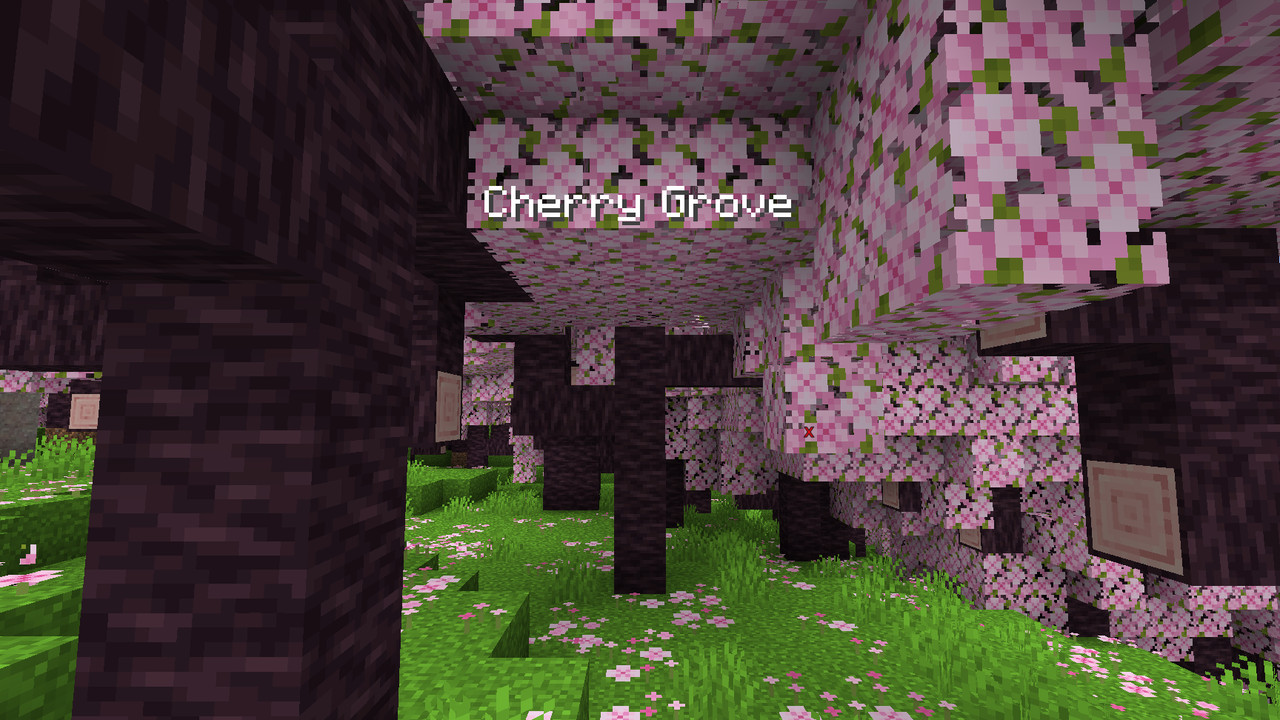
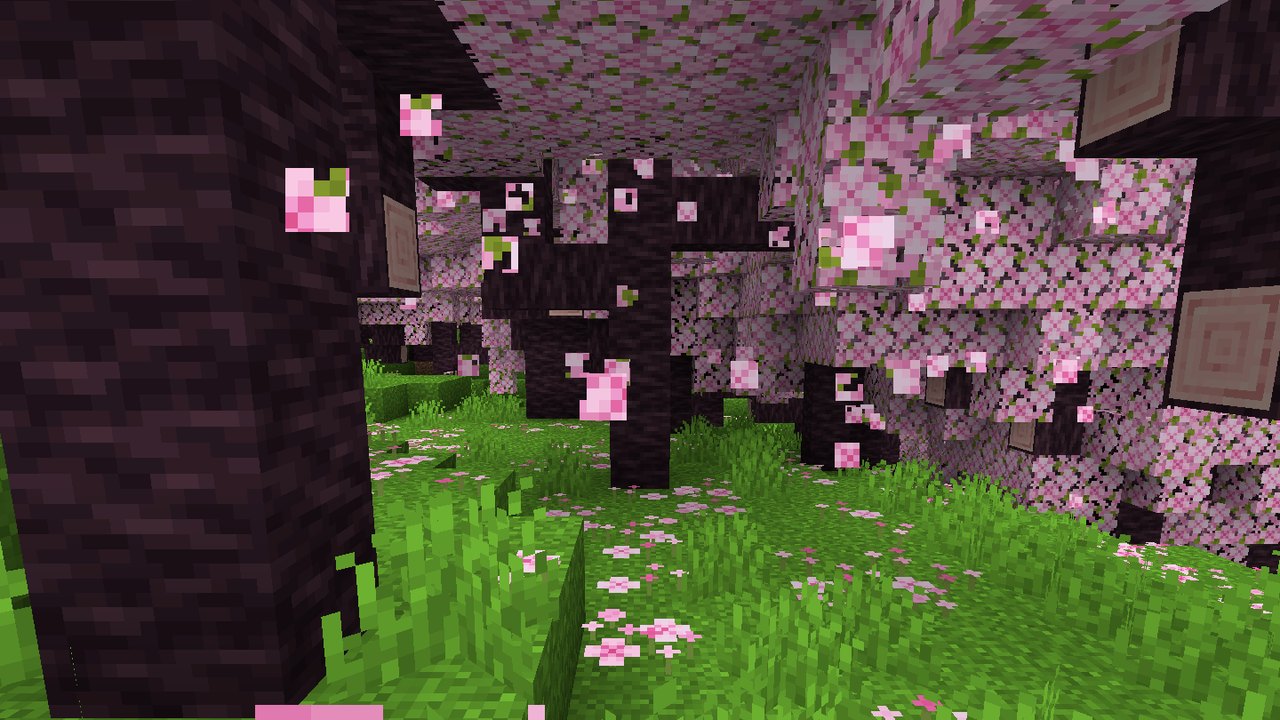
- Worlds. The Modern Terrain world type, with the mountains, caves and climate of Minecraft 1.18 and later. Modern biomes and blocks, for example cherry groves, mangrove swamps, lush caves and geodes. 59 biomes from Biomes O’ Plenty 1.20.
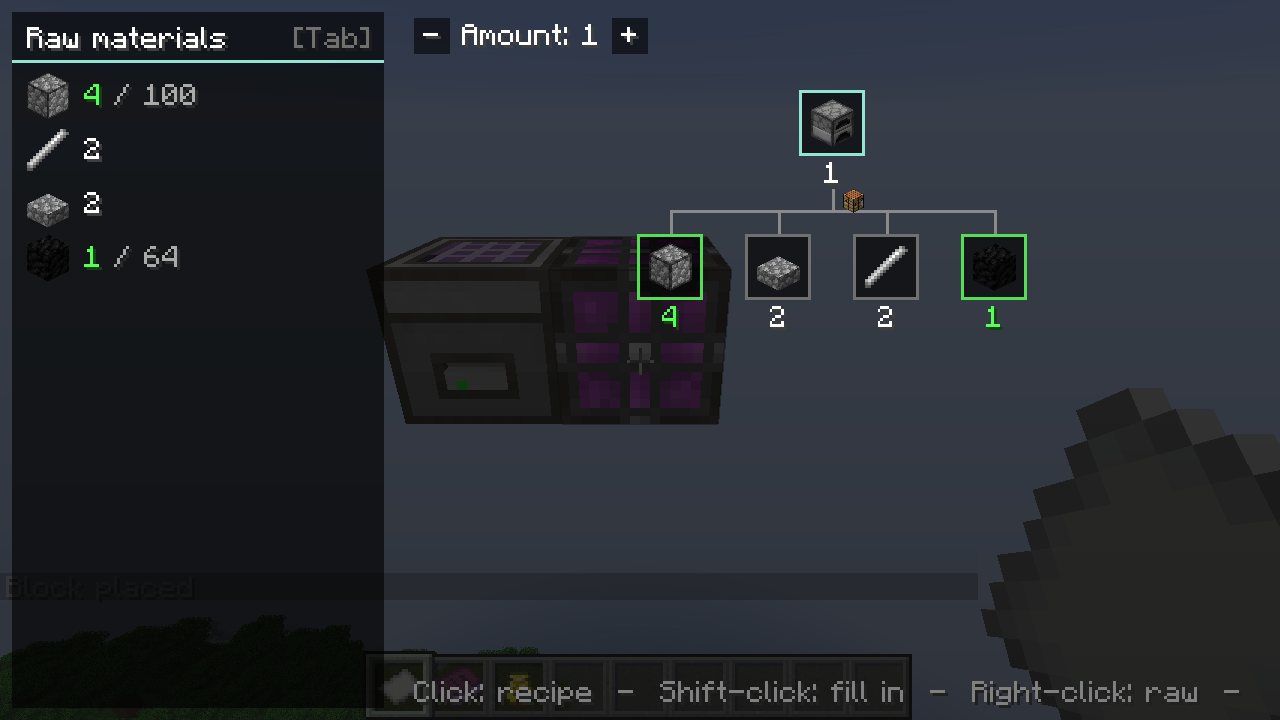
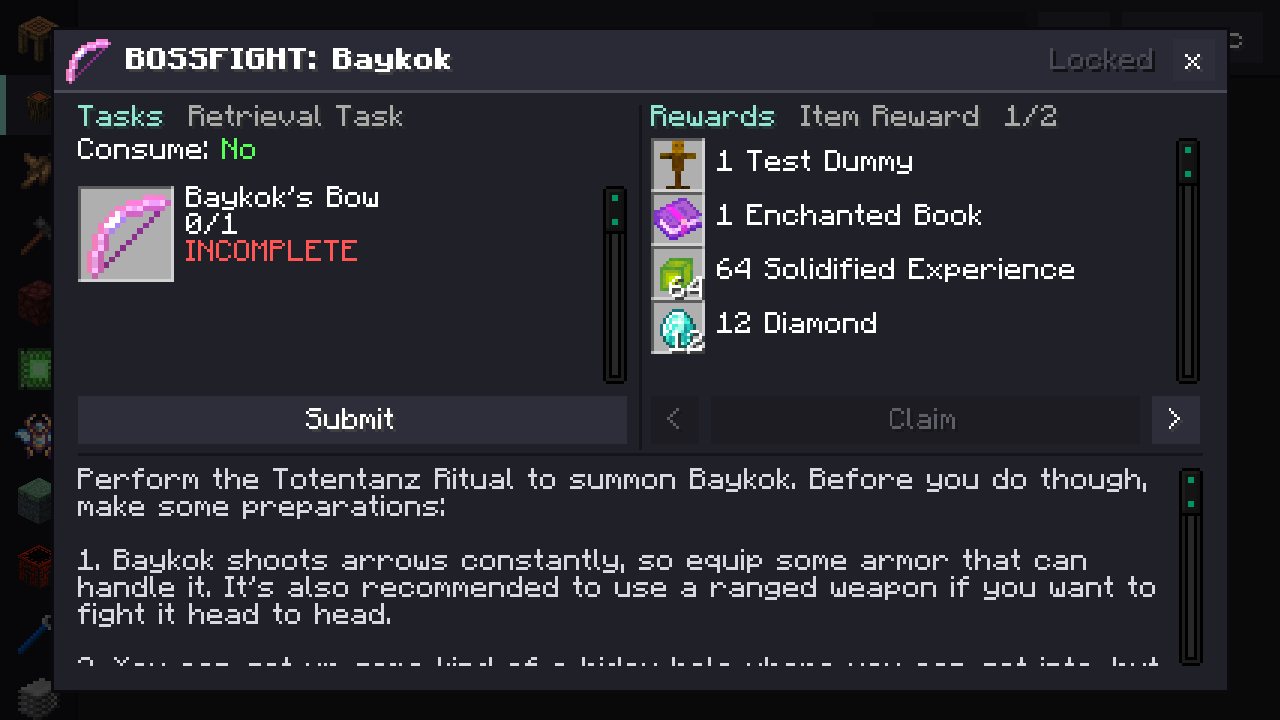
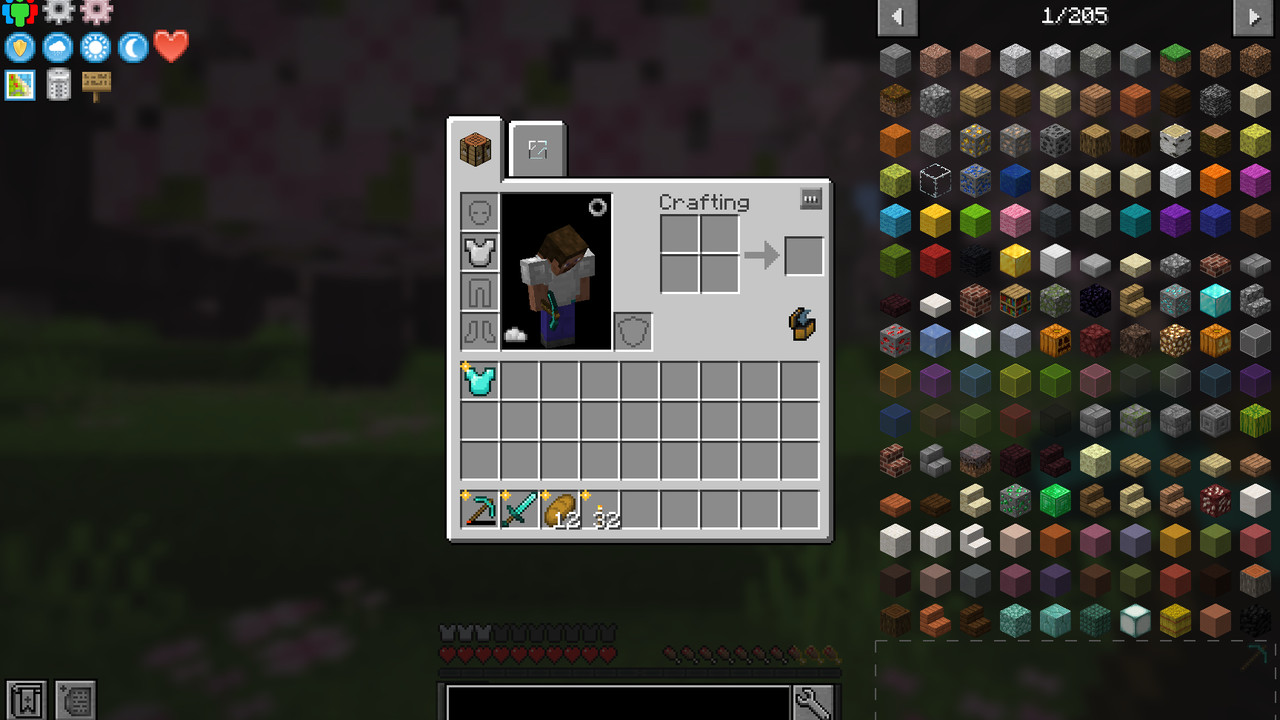
- Recipes and quests. A recipe tree for each item in JEI. Bookmarks for recipes. JEI search in open inventories. The FTB Quests layout for Better Questing.
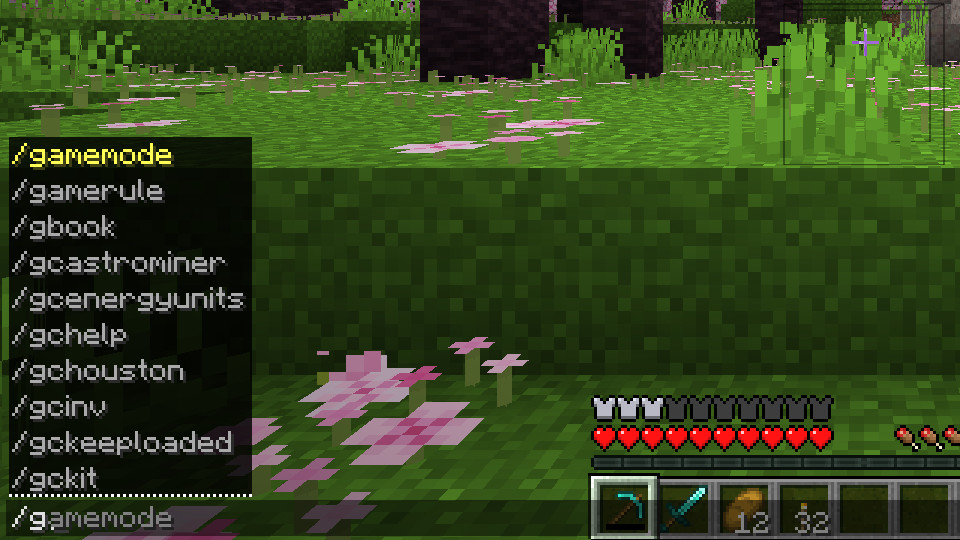
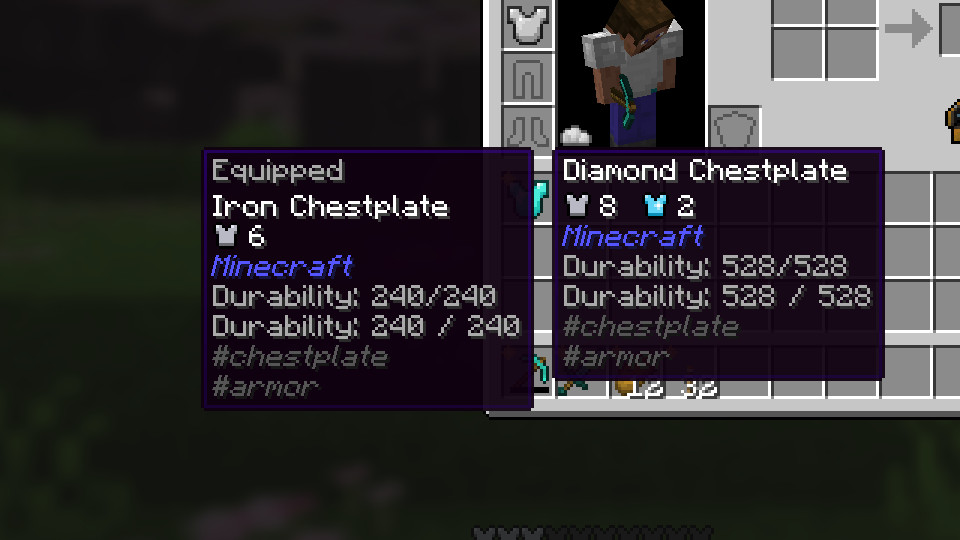
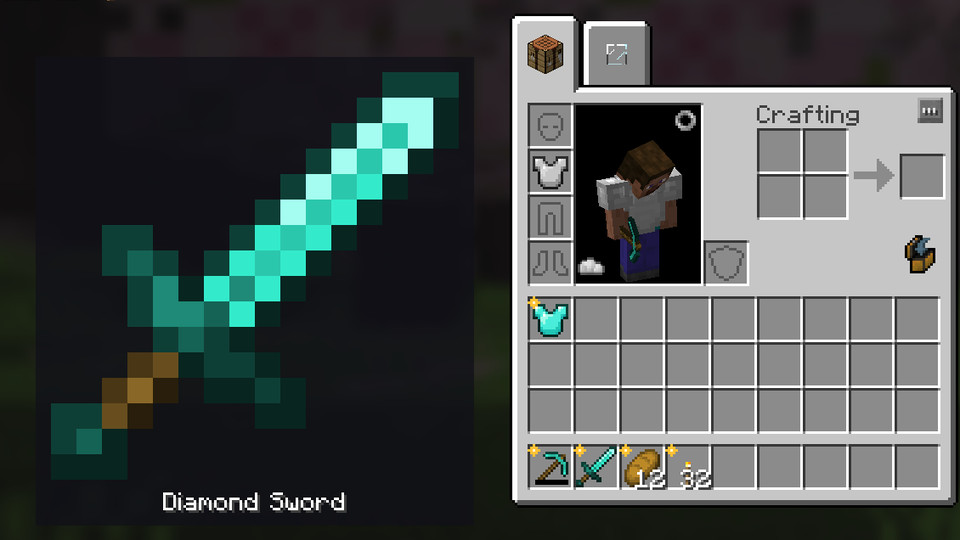
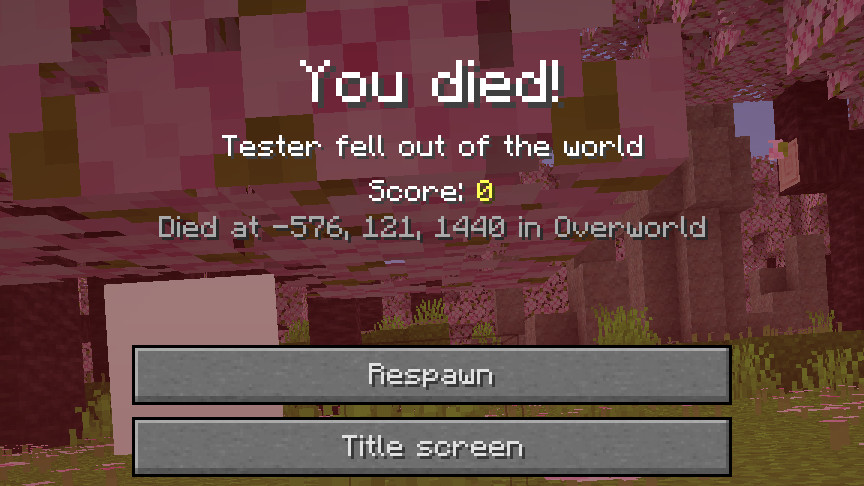
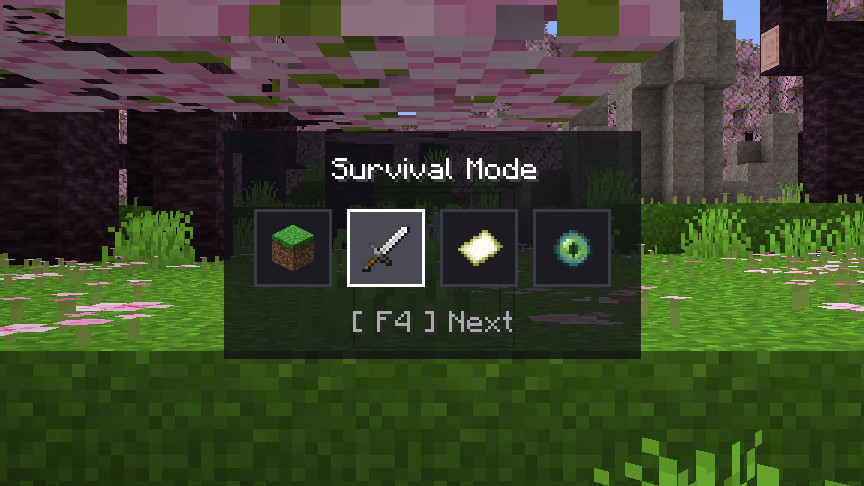
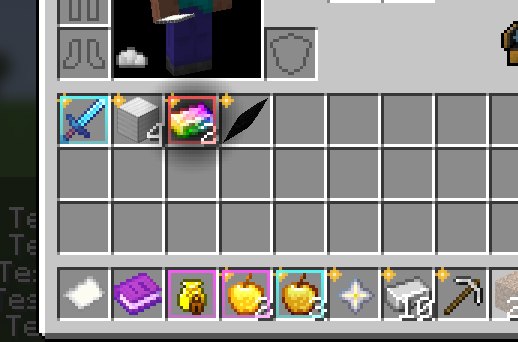
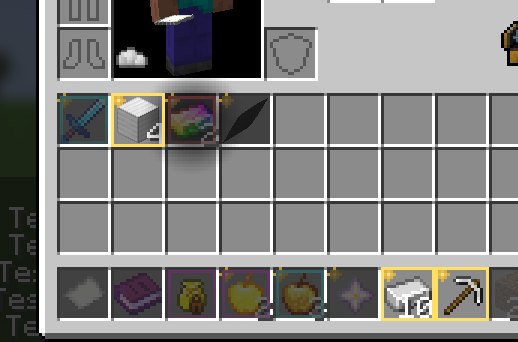
- Interface. Command suggestions, the newer F3 keys, search on the Controls and Select World screens, equipment comparison, rarity borders, Item Zoom, marks on new items, durability warnings and death coordinates.
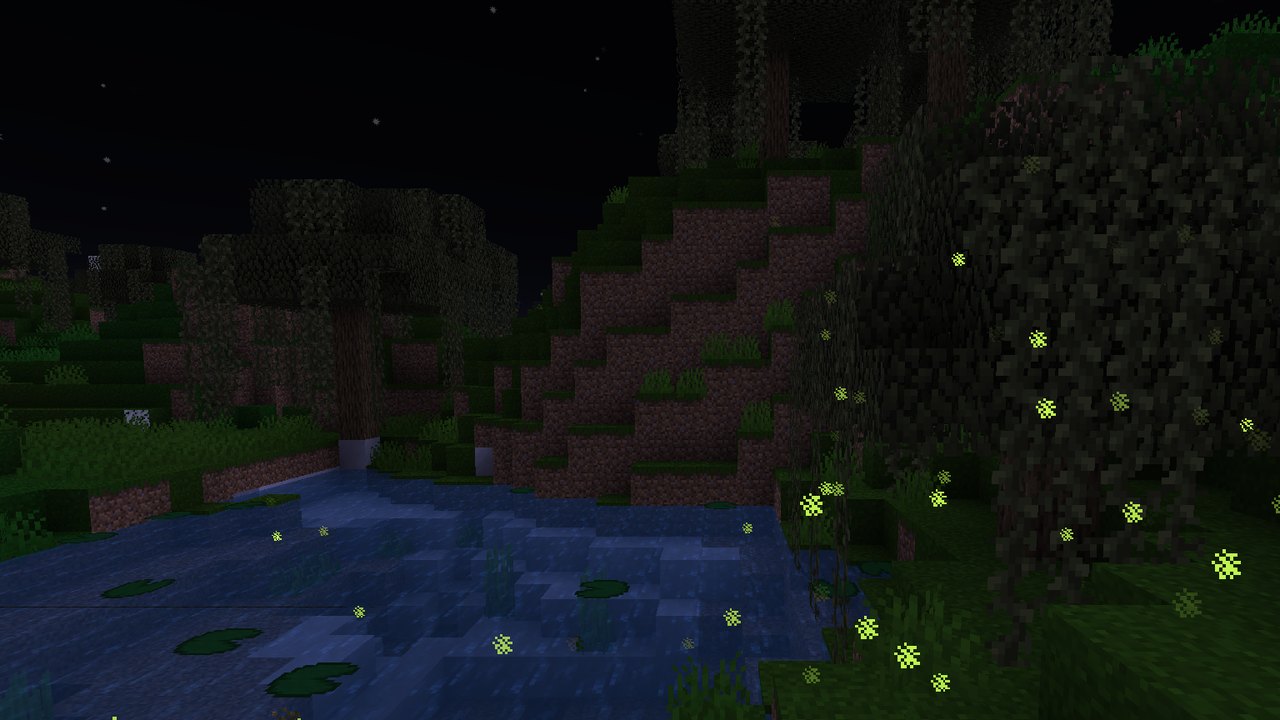
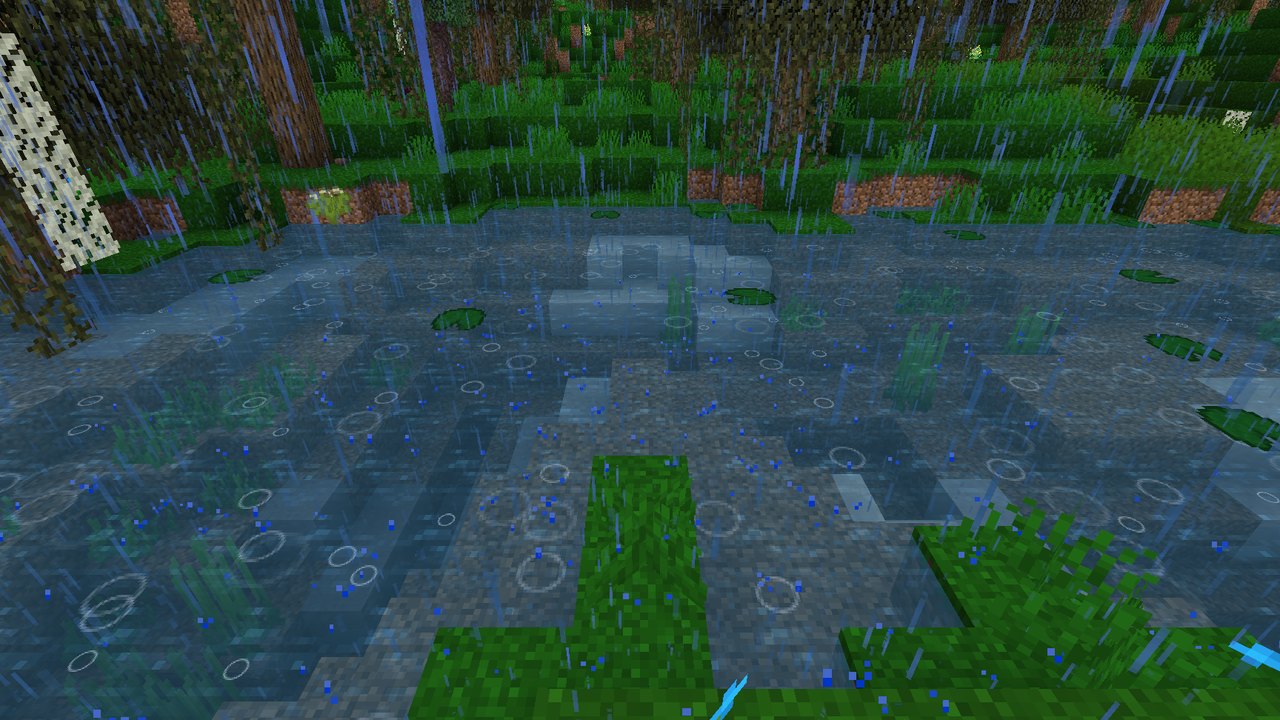
- Appearance. Menu background blur, Better Grass, falling leaves, fireflies, rain on water, clearer water and lava, glint settings, titles for biomes and dimensions, zoom with the mouse wheel and freelook.
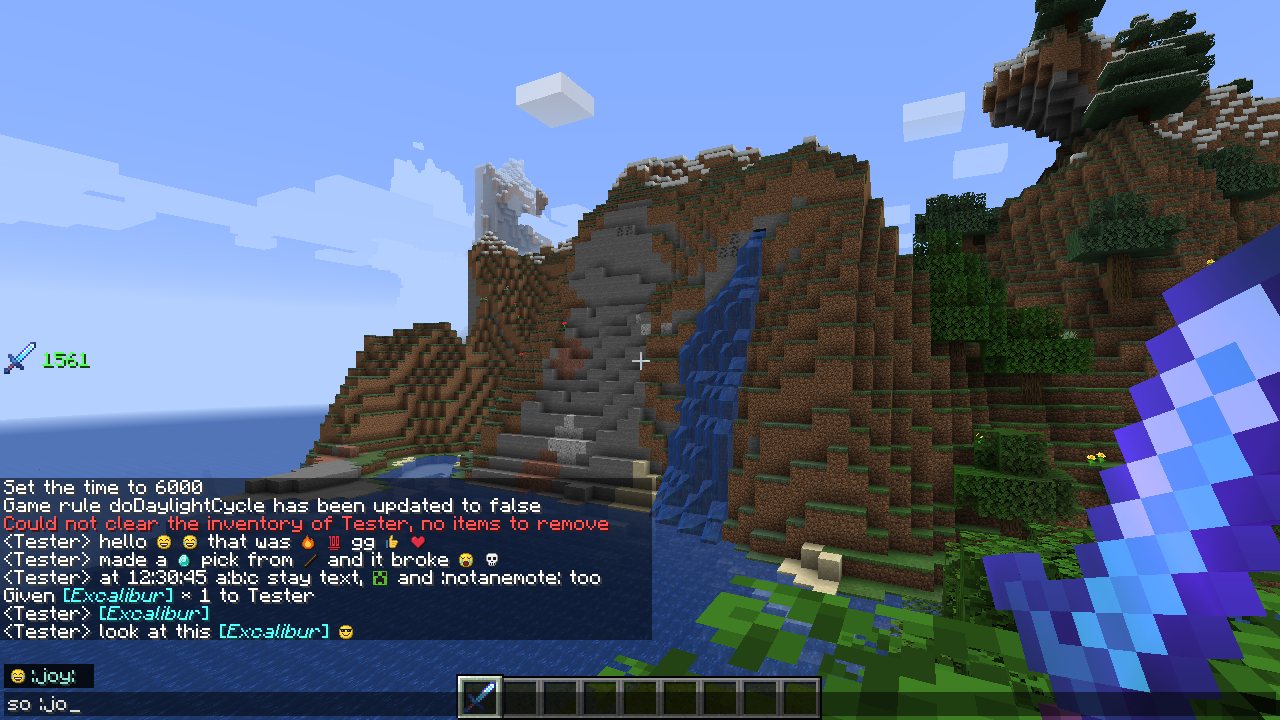
- Chat. Emotes, items in chat, timestamps, copy with a right click, and messages that stay when you close the chat.